How to Increase UPS Backup Time: 8 Changes That Actually Work
Swapping two old fans for BLDC fans nearly doubles backup on one battery. The eight changes that add real hours, from cutting load to adding capacity.
There are two ways to get more hours from a backup system: ask it for less, or give it more to give. Asking for less is almost always cheaper and faster, and it helps every battery you will ever own. Start there.
What each change is worth
On one 12 V 150 Ah tubular battery, running two ceiling fans, four LED bulbs and a Wi-Fi router, about 205 W:
| Change | Backup |
|---|---|
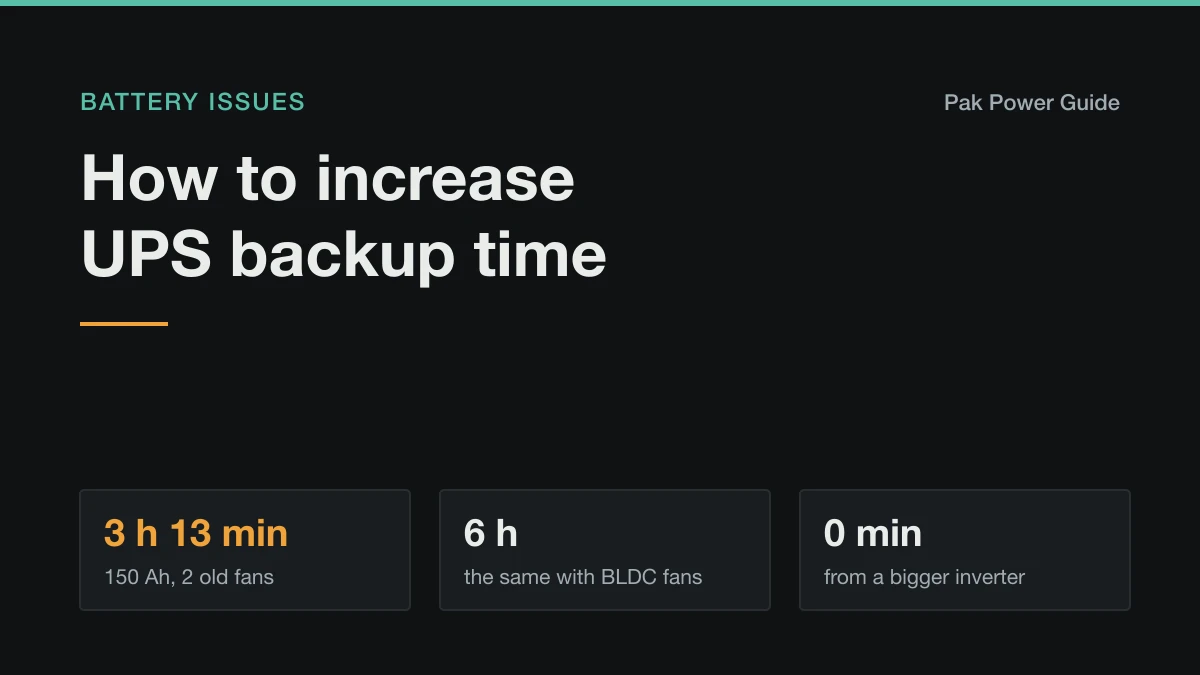
| As it is, new battery, fully charged | 3 h 13 min |
| The battery only ever charges to 80% | 2 h 35 min |
| The battery is worn to 70% of new | 2 h 15 min |
| Inverter standby of 25 W on top | 2 h 49 min |
| Two BLDC fans instead of old induction fans (119 W) | 6 h 1 min |
| A second 150 Ah battery, as a 24 V bank | 7 h 9 min |
| One 12 V 150 Ah LiFePO4 instead | 6 h 31 min |
All worked out the way the backup time calculator does. Swapping two fans does nearly as much as buying a second battery, for far less money.
1. Swap the fans
Ceiling fans are the biggest load most backup systems carry, and they run all night. An older induction fan draws about 75 W. A BLDC (brushless DC) fan moves the same air for about 30–35 W and runs happily on an inverter. Two of them nearly double your backup on their own.
2. Take off everything that heats
Irons, kettles, heaters, hair dryers and water heaters draw 1000–2000 W each. Half an hour of ironing uses a whole evening of fan backup. If any socket on the backup circuit feeds one, move it to a non-backup circuit. What appliances to avoid on a UPS shows what each costs in minutes.
3. Switch to LED everywhere
A 10 W LED gives the light of an old 60 W bulb. Any tube light, CFL or incandescent bulb still on the backup line is taking hours from you.
4. Find the loads you forgot
A router, ONT, CCTV recorder, TV on standby, phone chargers and the inverter itself draw a little each, all night. Together they can use more than a fan. Why an inverter battery drains fast overnight has the list and how to measure it.
5. Make sure the battery really charges full
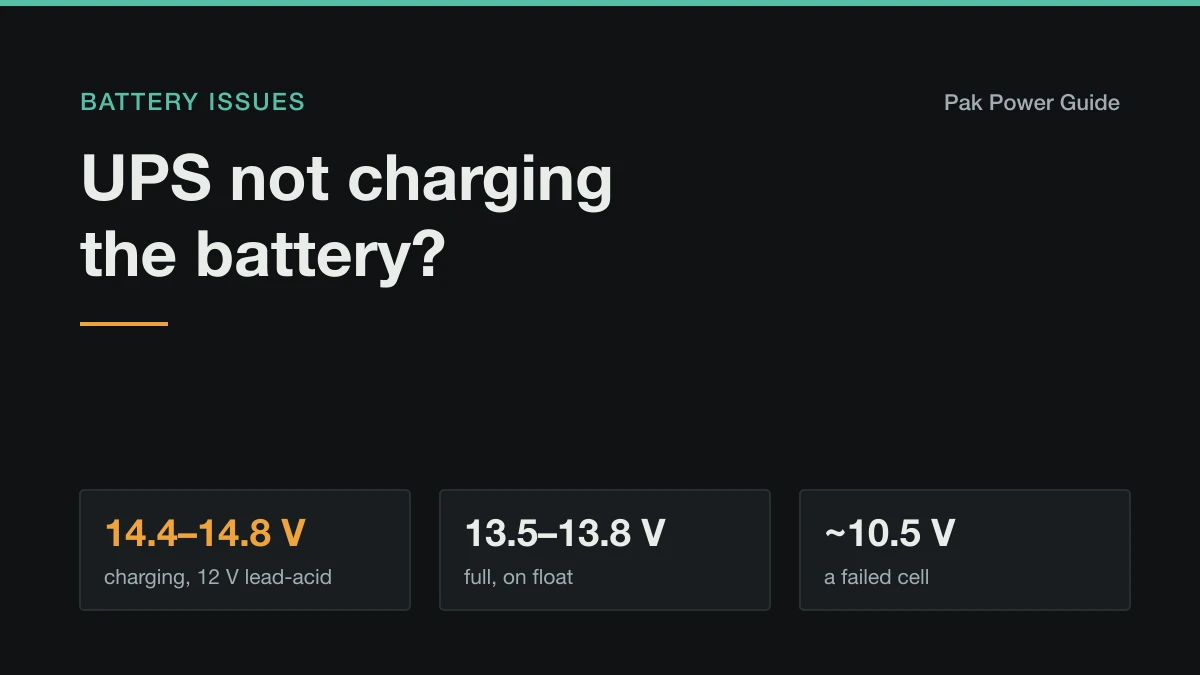
A lead-acid battery that starts every outage at 80% gives you 80% of the backup. A 150 Ah battery needs about ten hours from half empty on a 10 A charger. Set the charge current to about a tenth of the amp-hours (15 A for 150 Ah) if the inverter allows it, and check the battery-type setting matches your battery. See how long a full charge takes and, if it never gets there, UPS not charging the battery.
6. Look after the battery
- Keep it cool. Lead-acid life halves for every 10 °C above 25 °C, and a hot battery also holds less.
- Keep the water up on flooded batteries, with distilled water after a full charge.
- Keep terminals clean and tight. A poor connection wastes power as heat and trips the inverter early.
A battery at 70% of its original capacity gives 70% of the backup however well you manage the load. How long a battery lasts covers when it is worth replacing.
7. Use appliance mode if the grid is weak
If your inverter jumps to battery every time the evening voltage dips, it is spending battery while the grid is still there. Appliance mode accepts a much wider voltage range and keeps running from a weak grid. Keep UPS mode only for circuits with desktop computers. See UPS vs inverter.
8. Then add capacity
Once the load is as low as it sensibly goes, more battery is the remaining lever:
- Add a matching battery. Same type, capacity and ideally age, wired as the inverter manual specifies. Mixing a new battery with old ones drags the new one down.
- Move to LiFePO4. You can use about 90% of a lithium battery against about half of lead-acid, it recharges in two to three hours, and it lasts years longer. Check the inverter can charge it properly: lithium vs lead-acid.
- Add solar, which recharges the battery during daytime outages so it starts the night fuller.
Whatever you add, the charger has to refill it between outages. A bigger bank that never gets a full charge is barely better than the small one. With daily outages this is the limit that matters, as the load shedding guide explains.
What does not help
- A bigger inverter. It decides what can run at once, not for how long.
- Switching the inverter off between outages. It saves a few watts of standby, but it also stops charging. Leave it on.
- "Battery booster" additives. Nothing poured into a battery restores lost capacity.
Work it out for your own setup
Common questions
How can I increase my UPS backup time?
Cut the load first: efficient BLDC fans, LED bulbs and nothing that heats on the backup line. Then make sure the battery charges fully and is healthy, and only then add battery capacity or move to lithium. A bigger inverter adds no backup at all.
Does adding a second battery double UPS backup?
Roughly, and for lead-acid often slightly more, because each battery is drained more gently. It only works if the inverter supports the new configuration, the batteries match in type, capacity and age, and the charger can recharge the larger bank between outages.
Does a bigger inverter give more backup?
No. The inverter decides how much can run at once; the battery decides how long. A larger inverter can even shorten backup slightly because it draws more standby power.
How much backup do BLDC fans save?
An older induction ceiling fan draws about 75 W and a BLDC fan about 30–35 W. On one 12 V 150 Ah battery, two old fans with four LED bulbs and a router run a little over 3 hours; the same setup with two BLDC fans runs about 6 hours.