UPS vs Inverter: What Is the Difference, and Which Do You Need?
A computer UPS switches in milliseconds for minutes of backup; a home inverter runs fans and lights for hours. How to tell them apart, and what IPS means.
The words get used for the same box, and in much of the world that box is different from what the words mean elsewhere. So it is worth separating the product from the name.
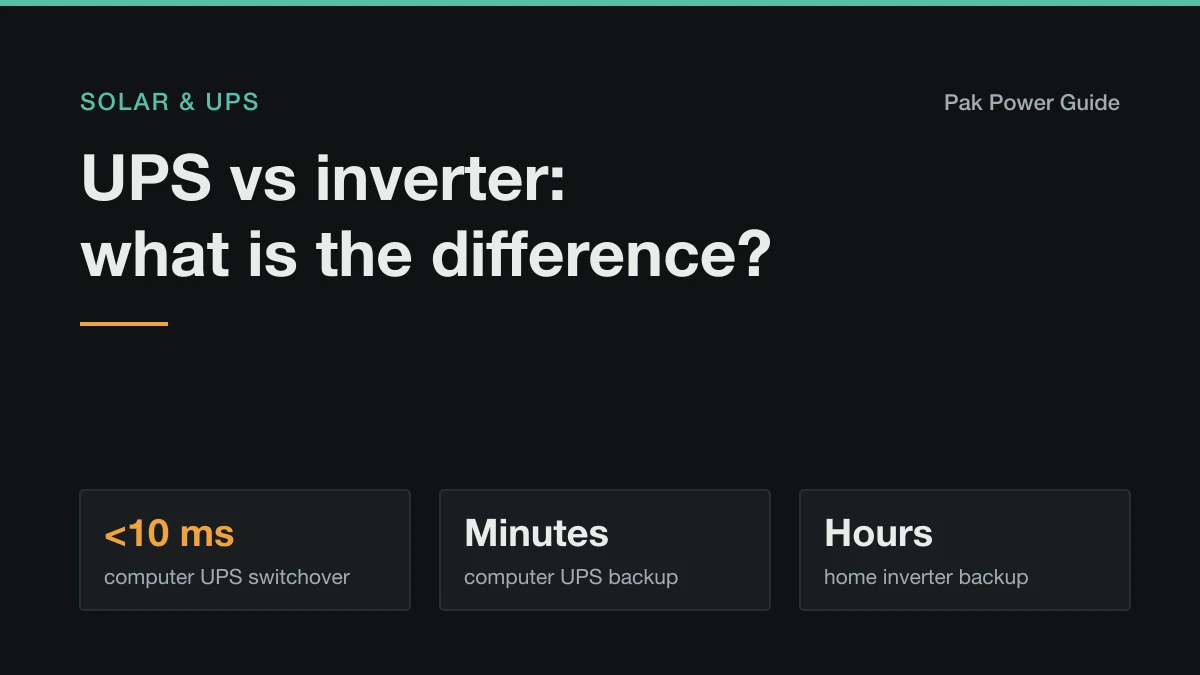
The short answer: every UPS contains an inverter. What differs is what it is built for. A computer UPS switches over almost instantly and runs a PC for minutes. A home inverter, sold as a "UPS" in Pakistan and an "IPS" in Bangladesh, runs fans, lights and a router for hours from large batteries, and switches a fraction of a second more slowly.
Side by side
| Computer UPS | Home inverter ("UPS", "IPS") | |
|---|---|---|
| Built for | PCs, routers, network kit | Fans, lights, TV, router, fridge |
| Backup time | 5–30 minutes | Hours |
| Battery | Small, sealed, inside the case | Large, external: tubular, AGM or lithium |
| Switchover | Under 10 ms, or none on online units | 10–20 ms depending on mode |
| Typical size | 600–1500 VA | 700 VA–5 kVA and up |
| Waveform | Pure sine, or stepped sine on cheap units | Pure sine on most current models |
| Wiring | Plugged in at the desk | Wired into a backup circuit |
The three kinds of UPS
Offline (standby). The load runs from mains; when mains fails, a relay switches to the inverter. Switchover is a few milliseconds. Cheapest, and fine for most PCs.
Line-interactive. Like offline, but it also corrects small mains dips and surges without touching the battery. The common choice for home offices.
Online (double conversion). The load always runs from the inverter, fed by mains through a charger, so there is no switchover at all. It is the most protective and the most expensive, and it uses the most standby power, which is why it suits servers more than living rooms.
What a home inverter is
A home inverter is an offline UPS scaled up for a house. It sits between the mains and a backup circuit, keeps a large battery bank charged, and takes over when the grid fails. It is built for runtime, so it has a big charger and external batteries.
Most current home inverters offer two input modes, and the choice matters:
| Mode | Accepts mains of about | Switches to battery in | Use it for |
|---|---|---|---|
| UPS mode | 170–280 V | about 10 ms | Desktop PCs and anything that must not blink |
| Appliance mode | 90–280 V | about 20 ms | Fans, lights, fridges, pumps |
In appliance mode the inverter keeps running your fans from a sagging grid instead of switching to battery at every dip. In areas with low evening voltage that alone can save hours of battery a day. In UPS mode it switches over fast enough for most computers but jumps to battery far more often. The exact ranges are in your inverter's manual.
The switchover question
Desktop computers can ride through a gap of about 10–20 ms, and some cannot manage even that. A home inverter in appliance mode may switch too slowly, and a PC restarts during the cut. Set it to UPS mode, or put a small computer UPS between the inverter and the PC.
Waveform matters too. A pure sine wave inverter makes power like the grid. A modified (stepped) sine wave unit can make fans hum, run slower, and upset desktop power supplies with active PFC. See running a computer or TV on a modified sine wave UPS.
What about solar inverters?
"Inverter" also means the box that turns solar panel DC into AC. A grid-tied solar inverter has no battery and switches off in a power cut. A hybrid or off-grid solar inverter is a home inverter with a solar charger built in, so it backs up the house as well. The differences, and why a grid-tied system goes dark in an outage, are in on-grid vs off-grid vs hybrid solar.
Which do you need?
- Long or daily outages, a whole house of fans and lights: a home inverter with batteries. Size it with the inverter size calculator.
- A computer, router or TV that must not blink: a small line-interactive or online UPS, on its own or after the home inverter.
- Occasional short cuts in an apartment: a portable power station can do both jobs, if it switches over fast enough.
- You want the bill cut as well as backup: a hybrid solar inverter with a battery.
Work it out for your own setup
Common questions
Is a UPS the same as an inverter?
Every UPS contains an inverter, but not every inverter is a UPS. A computer UPS is built to switch over almost instantly for a few minutes of backup. A home inverter is built to run fans and lights for hours from large external batteries. In Pakistan and much of South Asia the home inverter is also called a UPS, which is where the confusion starts.
What is the difference between UPS mode and appliance mode on an inverter?
UPS mode accepts a narrow input voltage range, often about 170–280 V, and switches to battery in about 10 ms, fast enough for most computers. Appliance mode accepts a much wider range, often about 90–280 V, and switches in about 20 ms, so fans and fridges keep running on low grid voltage instead of draining the battery.
What is the difference between IPS and UPS?
IPS (instant power supply) is the name used in Bangladesh and parts of India for a home inverter with an external battery. It is the same kind of product sold as a UPS in Pakistan: hours of backup for fans and lights, with a switchover a little slower than a computer UPS.
Can I run my computer on a home inverter?
Usually yes if it is a pure sine wave inverter set to UPS mode, which switches over fast enough for most desktop PCs. A modified sine wave inverter can upset PCs with active PFC power supplies. For work you cannot lose, a small computer UPS between the inverter and the PC is cheap insurance.
Which is better for home, UPS or inverter?
For keeping a house running through outages, a home inverter with batteries, because it gives hours rather than minutes. For protecting a computer, router or TV from the instant of a power cut, a small online or line-interactive UPS. Many homes sensibly have both.