Why Is My UPS or Inverter Beeping? Every Beep Pattern Explained
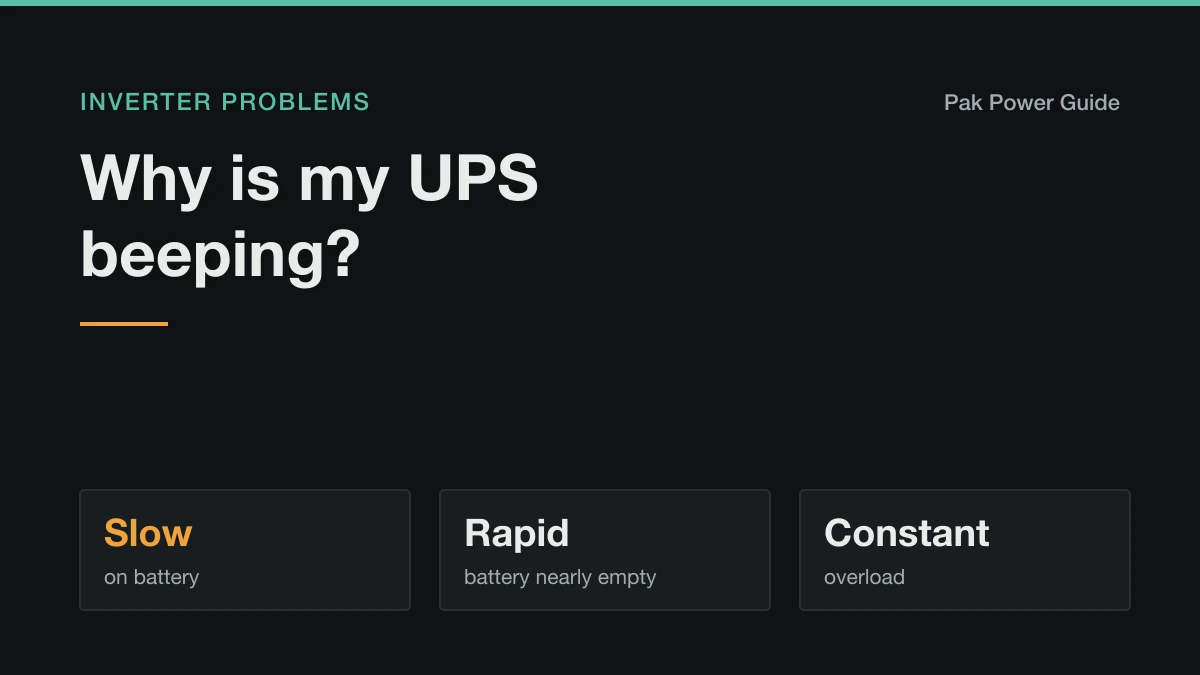
The pattern tells you why: a beep every few seconds means it is on battery, rapid beeping means the battery is low, and a constant tone means overload.
A beep is the UPS talking. It cannot show you a message across the room, so it uses a pattern, and the pattern is almost always enough to tell you what is wrong before you even look at the display.
Rule of thumb: a slow, repeating beep means it is on battery. Rapid beeping means the battery is nearly empty. A long, constant tone means too much is plugged in. Everything else is a fault the display or a light will name.
Match the beep to the cause
| What you hear | What it usually means | What to do |
|---|---|---|
| One beep or chirp, then quiet | Switched to or from battery, or started a self-test. Normal. | Nothing. |
| A beep every few seconds, or 4 beeps every 30 seconds | Running on battery: mains is off or out of range. | Nothing, unless the lights are on (see below). |
| Rapid beeping, about once a second | Battery nearly empty. Shutdown is close. | Save work, switch off what you can. |
| One long, constant tone | Overload: the load is more than the UPS can supply. | Unplug the heaviest load now. |
| Beeping with a red light or a fault code | Fault: failed battery, overheating, short circuit or battery disconnected. | Read the code or light (see below). |
| A chirp every few hours, "replace battery" light | The battery failed its self-test. | Replace the battery. |
| Beeping while mains is on | Input voltage out of range, battery not charging, or a fault. | See "Beeping when the power is on". |
The exact rhythm varies by brand. Computer UPS units from APC and similar makers use the 4-beeps-every-30-seconds pattern on battery. Home inverters of the kind wired into a house, common across Pakistan and South Asia, usually give a short beep every few seconds instead. The meanings line up across nearly all of them, but the manual's alarm table is the final word.
On battery: the slow, repeating beep
This is the most common beep and the least worrying. The UPS has lost usable mains and is running your load from the battery. It beeps so you know the clock is running.
The only question is whether the mains really is off. If the lights on an unprotected circuit are on and the UPS still beeps on battery, the incoming voltage is outside the range it accepts, usually too low at peak evening hours. The unit is protecting your equipment by refusing that supply. Many home inverters let you choose between a narrow UPS mode, meant for computers, and a wider appliance mode. Switching to appliance mode stops it jumping to battery on every sag. The trade-off is explained in UPS vs inverter.
Rapid beeping: the battery is nearly empty
When the slow beep speeds up to about once a second, the battery has reached its low-voltage warning, and the unit will cut the output shortly to stop the battery being drained to damage.
If this happens much sooner than it used to, the battery is either worn or not starting full. A healthy 12 V 150 Ah lead-acid battery should run two fans, a few LED bulbs and a router for over three hours. If yours manages one, work through why an inverter battery drains fast, and check it actually finishes charging between outages: how long a full charge takes.
The backup time calculator tells you what your battery should manage at your load, so you can tell a tired battery from an unrealistic expectation.
A constant tone: overload
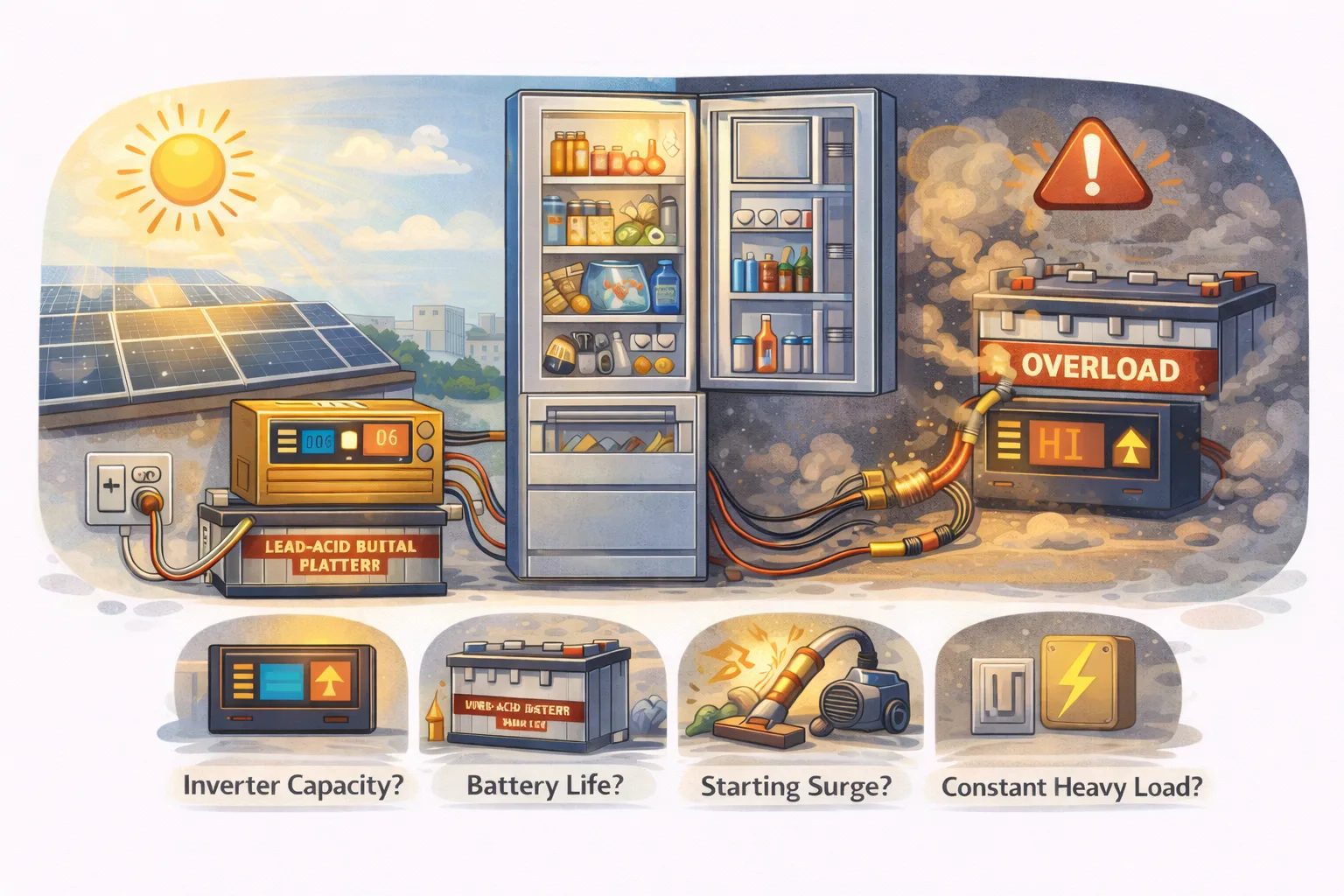
A long, unbroken beep means the load is more than the UPS can supply. It will usually cut the output within seconds to protect itself.
Three things cause almost all of it:
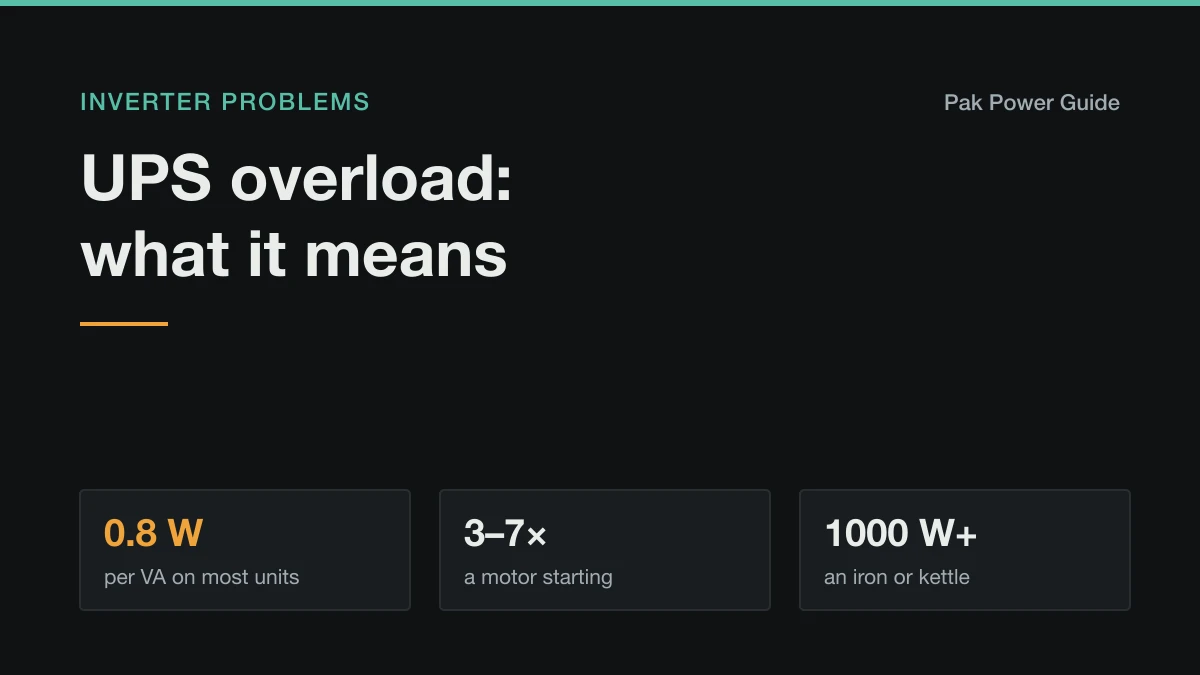
- Too much running at once. A UPS rated in VA delivers about 0.8 W per VA, so a 1000 VA unit is good for roughly 800 W, not 1000 W.
- A motor starting. A fridge, water pump or AC compressor draws three to seven times its running power for a moment as it starts.
- Something that heats. An iron, kettle, hair dryer or heater draws 1000–2000 W on its own and has no place on a home backup line.
Unplug the heaviest item, press the reset or switch the unit off and on, and bring loads back one at a time. The full walk-through is in UPS overload: what it means and how to fix it.
Beeping with a red light or a fault code
A red light is a fault, not a notice. The usual culprits:
- Replace battery. The self-test found the battery cannot hold voltage under load. On computer UPS units this is the most common red light of all, typically three to five years into a sealed battery's life, sooner in a hot room.
- Overload. As above.
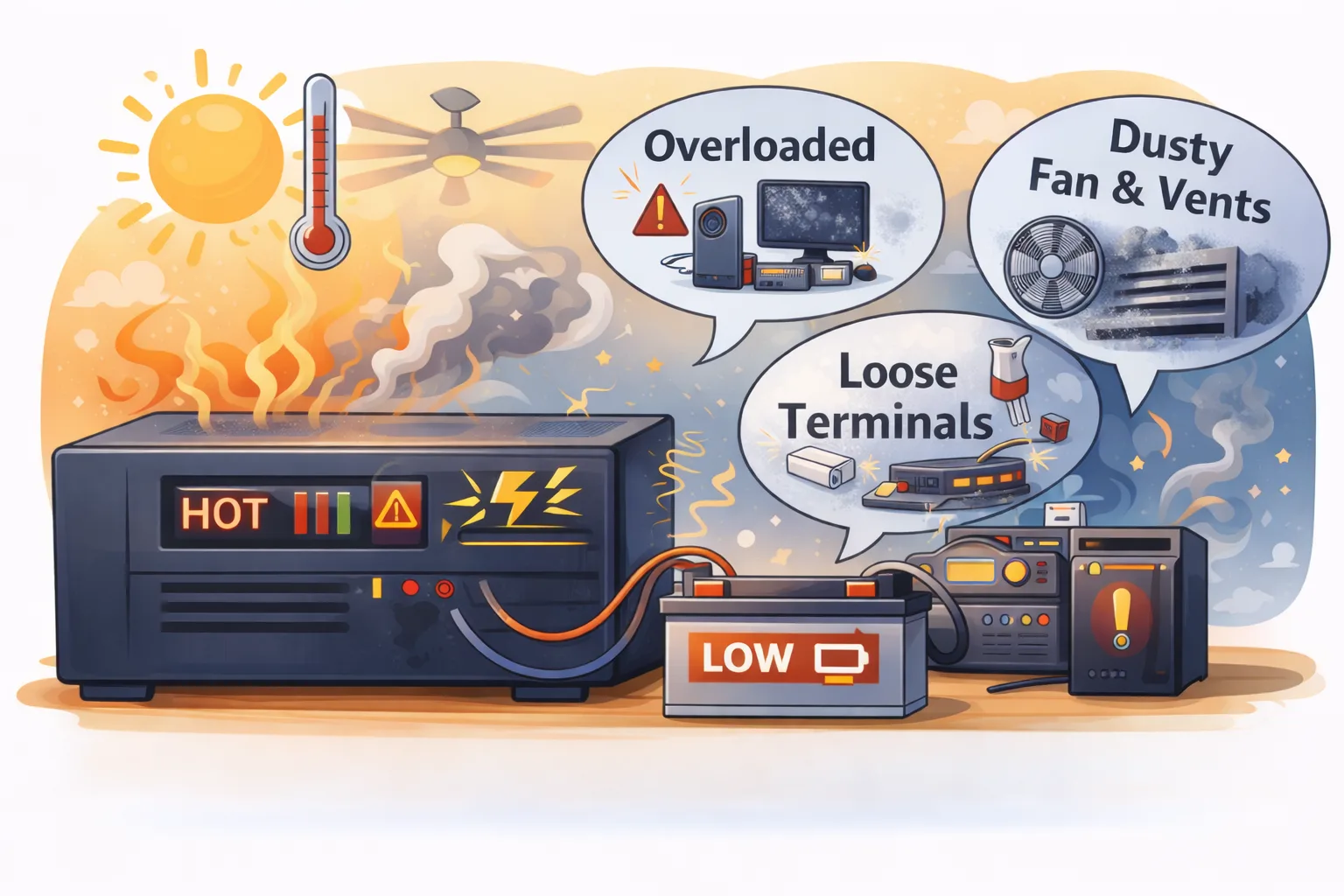
- Over-temperature. The inverter is too hot to run safely, usually a blocked vent, a dead fan or a hot cupboard. Let it cool, and see overheating in hot weather.
- Battery disconnected or battery low on mains. A loose terminal, blown DC fuse or dead battery. With everything off, check every lug is tight and look for corrosion.
- Short circuit. Something on the output is faulty. Unplug everything, reset, and add loads back one by one to find it.
Beeping when the power is on
If the grid is on and it still beeps, one of four things is happening:
- The mains voltage is out of range, so it is running on battery anyway. Common with low voltage at peak hours.
- The battery is not charging because of a loose connection, a blown fuse, a failed battery or a charger fault. See UPS not charging the battery.
- The battery failed its self-test and it is asking for a replacement.
- A fan or temperature fault, which the display or a light will show.
After a power cut
Beeping right after the power comes back is usually the unit confirming the return to mains, or warning that the battery is low while it recharges. If a "replace battery" alarm appears after a long outage, the deep discharge exposed a battery that was already weak. Let it recharge fully, run the self-test again, and replace the battery if it still fails.
When to stop using it
Switch the UPS off and get it checked if:
- The beeping comes with a burning smell, smoke, or scorching on a socket or terminal
- The unit or the battery is too hot to touch, or the battery case is swollen
- It beeps overload with nothing heavy connected, which points to a short circuit
- A "replace battery" fault returns straight after a full charge, and the battery is swelling or leaking
Work it out for your own setup
Common questions
Why is my UPS beeping every 30 seconds?
On most computer UPS units, including APC Back-UPS models, four beeps every 30 seconds simply means it is running on battery because the mains has gone or is out of range. It stops when normal power returns. If the lights are on and it still does it, the incoming voltage is outside the range the UPS accepts.
Why is my UPS beeping continuously?
A constant, unbroken tone almost always means overload: more is connected than the UPS can supply. Rapid beeping, once a second or faster, means the battery is nearly empty and the UPS is about to shut down. Unplug the heaviest load first; if the beeping stops, it was overload.
Why is my UPS beeping with a red light?
On most models a red light with beeping means a fault rather than a normal alert: the battery failed its self-test and needs replacing, the unit is overloaded or overheating, or the battery is disconnected. The display or the manual's LED table says which. A red light that returns straight after a full charge usually means a worn-out battery.
How do I stop my UPS from beeping?
Fix the cause first: restore mains, reduce the load, or replace a failed battery. For the normal on-battery beep, most units have a mute button or a setting (on many APC models, a short press of the power button silences it; on home inverters, an alarm or mute option in the menu). Do not silence overload or fault alarms, which are warning you before damage.
Why does my UPS beep once and then stop?
A single beep or chirp is normal: it is the unit acknowledging a switch to battery, a return to mains, or the start of a self-test. It is only a concern if the single chirp repeats every few hours, which on several brands means the battery failed its self-test.