UPS Overload: What It Means and How to Fix It
Overload means the load is more than the UPS can supply, or a motor's start-up surge is. How to find which appliance, and when it means a short circuit.
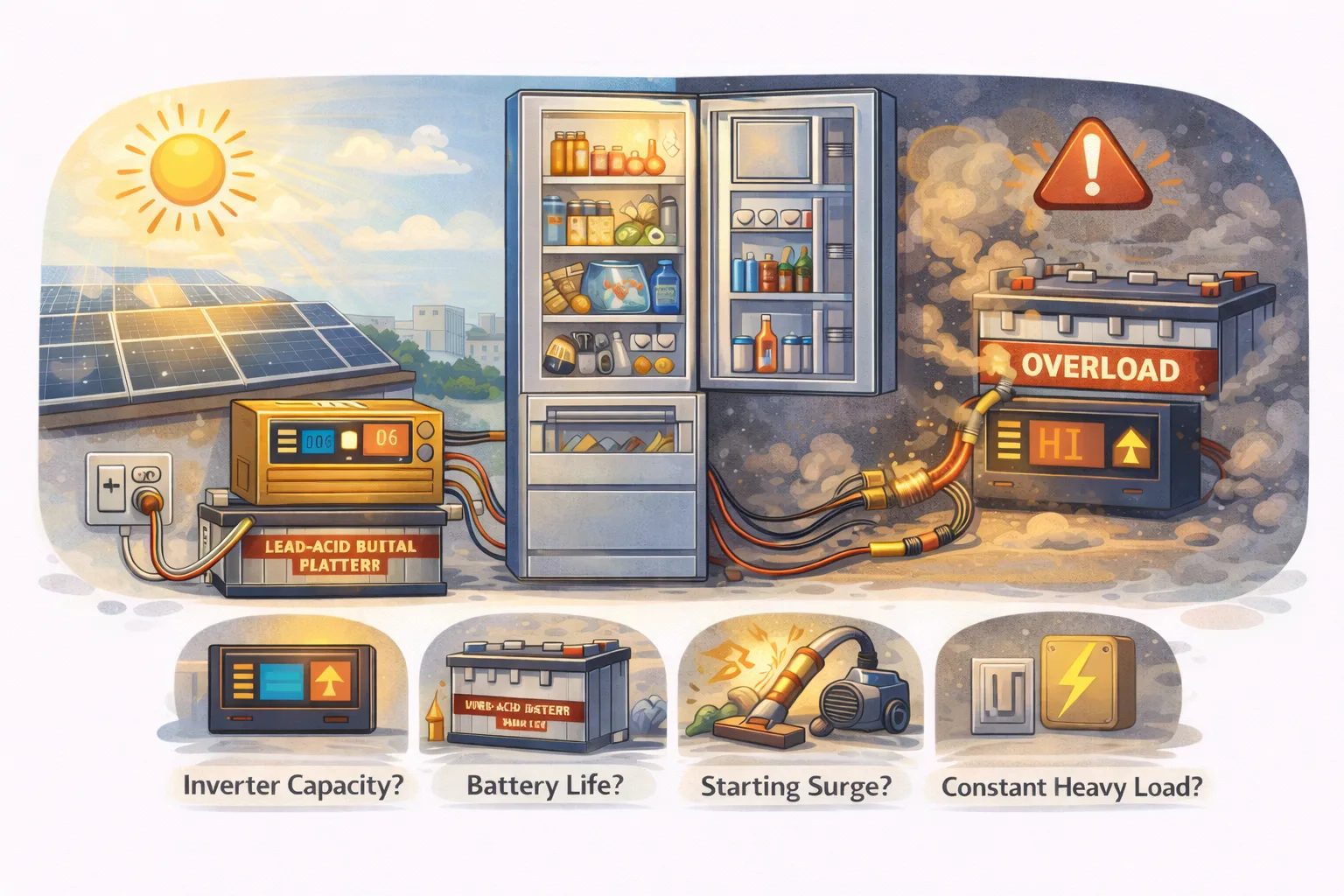
Overload means the UPS has been asked for more power than it can make. It is the inverter protecting itself, and it is nearly always telling the truth: something connected is drawing more than you think, for longer than you think, or all at once as it starts.
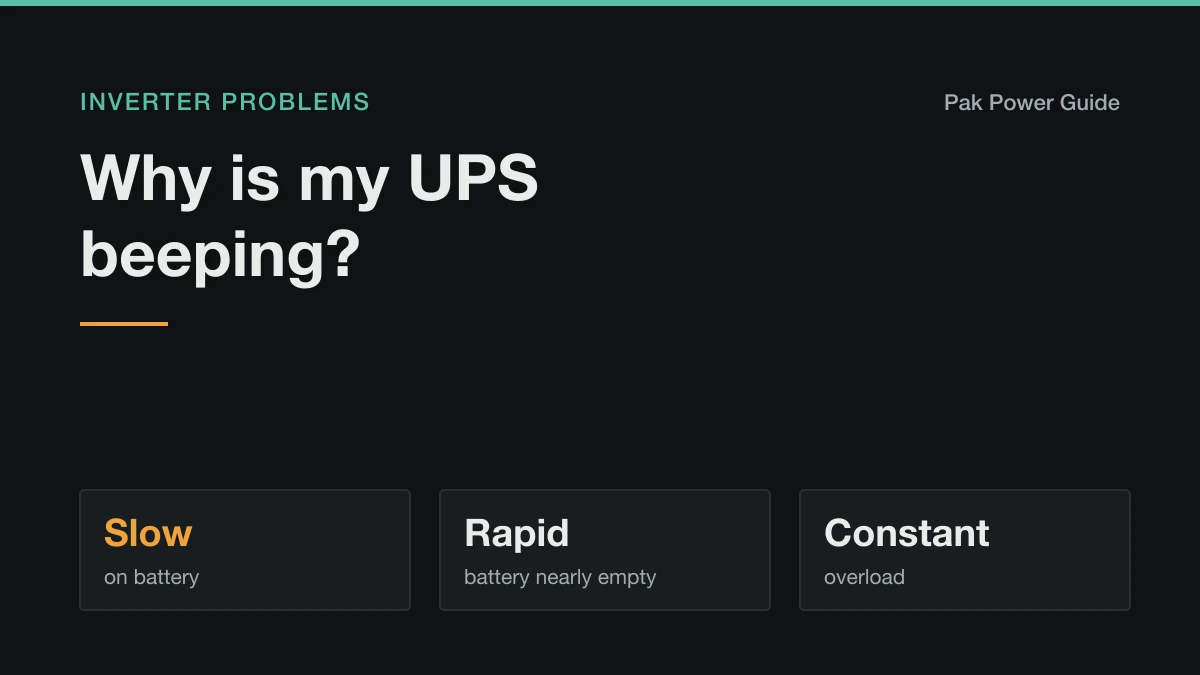
The signs are a long, constant beep, an OL or overload light on the display, and the output switching off after a few seconds.
Is it steady load, surge, or a fault?
| When it trips | What it usually means |
|---|---|
| Straight away, whenever a certain appliance is on | That appliance draws more than the UPS can supply. |
| The moment a fridge, pump or AC starts | Start-up surge beyond what the inverter can deliver. |
| Only when the power cuts, never on mains | Its battery output is smaller than its pass-through rating, or the battery sags. |
| After running a while on a hot day | Heat derating: a hot inverter carries less before it trips. |
| With almost nothing connected | A hidden load on the circuit, or a short circuit. |
Watts, not VA
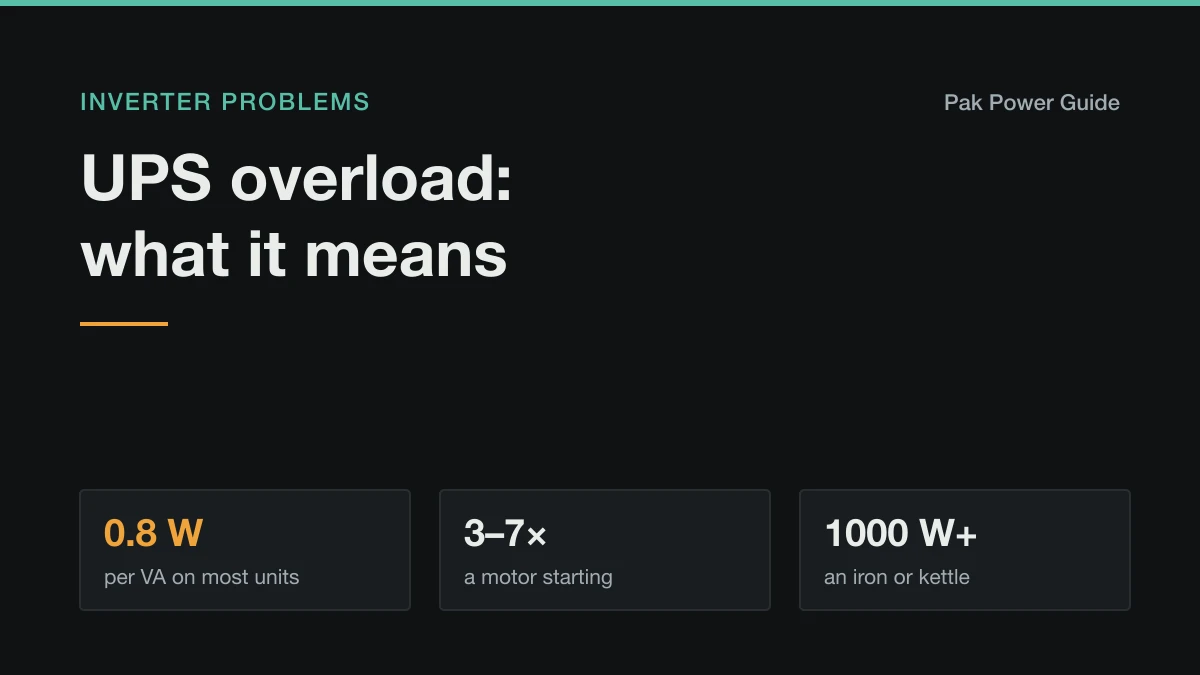
Most UPS labels give VA first because it is the bigger number. What your appliances use is watts. For home and computer UPS units, one VA is worth about 0.8 W.
| UPS rating | Delivers about | Comfortable steady load |
|---|---|---|
| 600 VA | 480 W | 350 W |
| 1000 VA | 800 W | 600 W |
| 1500 VA | 1200 W | 900 W |
| 2500 VA | 2000 W | 1500 W |
| 3500 VA | 2800 W | 2100 W |
The comfortable figure leaves a quarter spare. An inverter living at its limit runs hot and trips on the smallest surge.
The appliances that overload a UPS
| Appliance | Running watts | Start-up peak |
|---|---|---|
| LED bulb | 5–12 W | none |
| Ceiling fan | 30–80 W | 2–3 × briefly |
| TV, router, laptop | 15–120 W | none |
| Desktop PC and monitor | 150–350 W | about 1.5 × |
| Refrigerator | 100–250 W | 3–7 × for a second |
| Water pump (½ hp) | about 750 W | 3–4 × |
| 1 ton inverter AC | 800–1100 W | about 1.5 × |
| Iron, kettle, hair dryer, heater | 1000–2000 W | none |
| Microwave | 1000–1500 W | about 1.2 × |
Two rows cause most overloads. Heating appliances each draw more than a typical home inverter's whole rating. Motors draw several times their running power as they start, so a 180 W fridge can briefly need 800 W or more. If an overload coincides with the fridge or pump clicking on, that is surge, and the refrigerator guide has the figures.
Fix it in this order
- Unplug the heaviest thing and reset: switch the UPS off and on, or press its reset button.
- Bring loads back one at a time, watching the load reading if the display has one.
- Move heating appliances off the backup line for good. The guide to what to avoid running on a UPS shows what each one costs in backup.
- Stagger motors. Let the fridge start before the pump, rather than both at once.
- Size the inverter properly if the essentials alone overload it. The inverter size calculator works from your appliance list to the rating, and the surge it must cover.
When it trips with nothing on
If it overloads with almost nothing connected, look for something you cannot see:
- A socket on the backup circuit you did not know about, feeding a fridge, geyser pump or iron in another room. Switch appliances off one room at a time.
- A short circuit in an appliance, an extension lead or the house wiring. Unplug everything from the backup line and reset. If it still trips with nothing connected, the fault is in the wiring or the inverter.
Do not keep resetting a UPS that trips on overload with no load. A short circuit carries enormous current, and repeated resets can damage the inverter or start a fire in a damaged cable.
Overload only on battery
A lot of inverters pass more power through from the mains than they can make from the battery. Your load can be fine all day and trip the moment the power cuts.
A weak battery makes this worse: its voltage sags under surge, the inverter sees low voltage and high current at once, and trips. If overloads on battery have crept up over months, test the battery. Why an inverter battery drains fast covers the checks.
When to stop
Switch off and have the installation checked if an overload comes with a burning smell, a hot socket or plug, scorch marks or smoke, or if the UPS trips with nothing connected. Those point to a fault in the wiring, not to too many fans.
Work it out for your own setup
Common questions
What does overload mean on a UPS?
The appliances connected are asking for more power than the UPS or inverter can deliver, either continuously or for a moment as a motor starts. It beeps or shows OL or an overload light, and cuts the output within seconds to protect itself.
How do I reset an overloaded UPS?
Unplug or switch off the heaviest appliances first, then switch the UPS off and on, or press its reset or overload button if it has one. Bring loads back one at a time. If it trips again with only small loads connected, something on the output is faulty.
Why does my UPS say overload when nothing much is connected?
Usually a hidden load on the backup circuit, such as a socket feeding a fridge, pump or iron that you did not realise was wired to it, or a short circuit in an appliance or the wiring. Unplug everything, reset, and add items back one at a time until it trips.
Why does my UPS overload only on battery?
Many inverters can pass more power through from the mains than they can make from the battery, so a load that is fine on mains overloads the moment the power cuts. Surge is also harder to supply from a battery, especially a weak one whose voltage sags.
How many watts can a 1000 VA UPS run?
About 800 W continuously on most home and computer UPS units, which have a power factor of around 0.8. Keep the steady load nearer 600–650 W so it is not running at its limit and has headroom for surges.