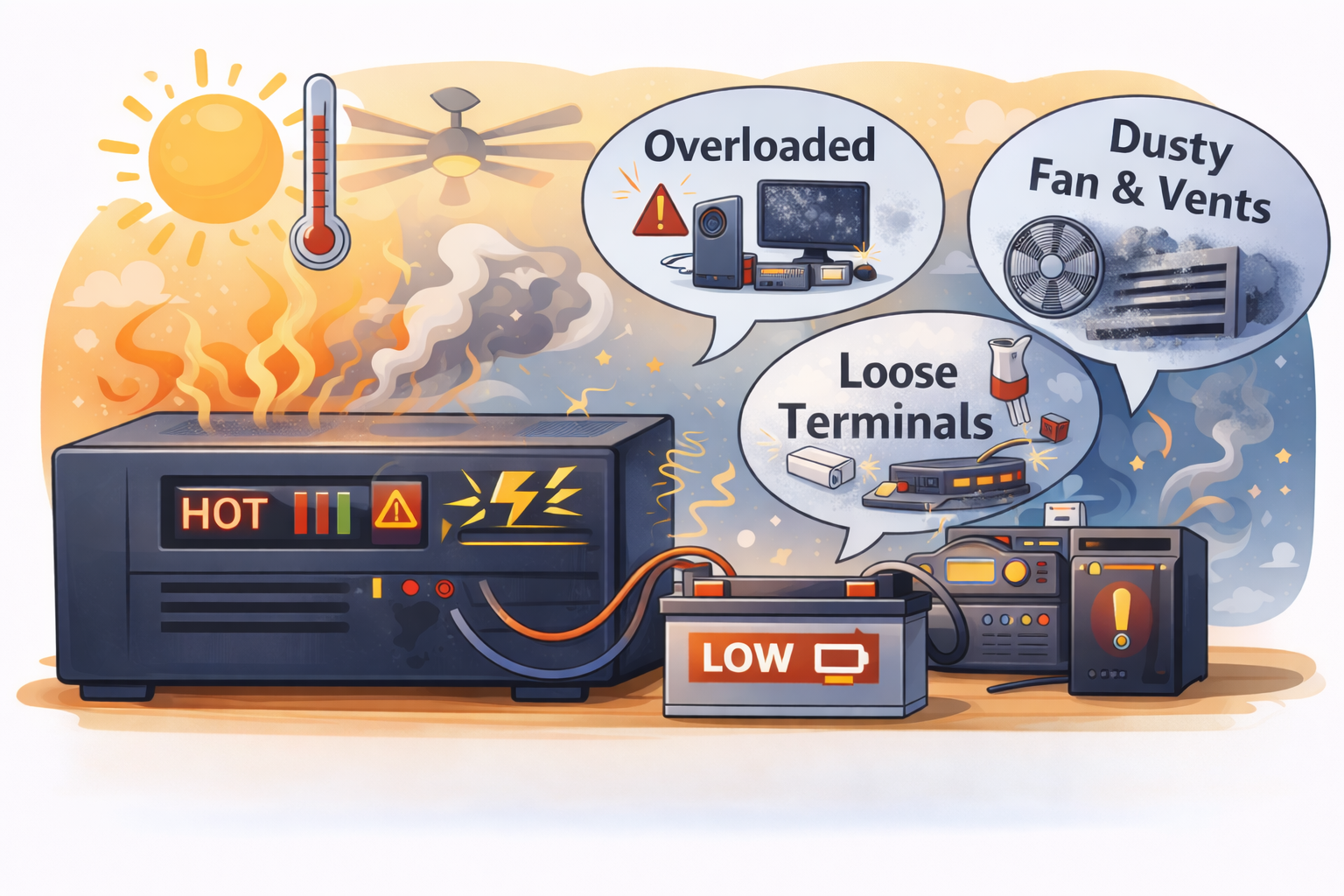
In Pakistan, summer heat plus load shedding is a tough combo. When the grid (WAPDA, K-Electric, or any local supply) goes off for hours, the UPS/inverter works harder. At the same time, room temperature is already high. That’s why many people notice the same problem every year: UPS/inverter gets too hot, starts beeping, smells warm, or even shuts down.
Overheating is not “normal.” A little warmth is expected, but if it becomes very hot, it reduces inverter life, damages wiring, and can also stress the battery.
This guide focuses on practical steps you can do at home to reduce heat and keep your backup running safely in Pakistani summers.
Why UPS/Inverters Overheat More in Summer
Heat builds up due to three main reasons:
-
High room temperature (especially in small rooms, stores, or upper portions)
-
High load during load shedding (fans, lights, Wi-Fi, TV all running together)
-
Charging + load at the same time when power returns (inverter starts charging battery aggressively)
An inverter is basically doing power conversion. Power conversion always creates heat. If ventilation is poor, that heat gets trapped.
Common Inverter Setups in Pakistani Homes
Most homes use one of these setups:
12V single battery setup
One 150–220Ah tubular battery with a standard UPS. Common in portions and smaller houses.
24V dual battery setup
Two batteries in series. Better for longer backup, often used where load shedding is heavy.
Hybrid inverter (grid + solar)
These can run longer and charge differently. Settings matter a lot, and overheating can happen if airflow is poor or charging current is high.
Car battery on UPS (temporary)
This setup heats more easily because car batteries are not designed for deep discharge and heavy continuous loads.
Signs Your UPS/Inverter Is Overheating
Look out for these signs:
-
Inverter body is too hot to keep your hand on
-
Smell of hot plastic or “burnt wiring” smell
-
Loud fan noise or fan not running at all
-
Automatic shutdown (thermal protection)
-
Battery terminals or cables feel hot
-
Display shows error, overload, or beeping increases
If you see melted insulation, sparking, or smoke — switch it off immediately and call an electrician.
The Biggest Causes of Overheating (And How to Fix Them)
1) Poor ventilation and wrong placement
Many people keep the inverter:
-
inside a closed cabinet
-
under the bed
-
in a tight store room
-
near the kitchen (extra heat)
-
near a wall with no space around it
This traps heat.
What to do
-
Keep inverter in an open, airy place.
-
Leave at least 6–12 inches gap around vents.
-
Don’t cover it with cloth or plastic.
-
If the room is very hot, move it to a cooler area (corner of a living room is often better than a store).
2) Dust blocking vents and fan
In Pakistani homes, dust is constant. Dust blocks vents and slows fans. This makes the inverter heat up fast.
Home check
-
Switch off inverter safely.
-
Look at side/back vents with a torch.
-
If you see dust layers, it needs cleaning.
What to do
-
Use a soft brush or blower to clean vents.
-
Don’t use water.
-
If the fan is stuck or noisy, get it replaced.
3) Overload and hidden loads
During load shedding, people often run:
-
2–3 fans
-
lights in multiple rooms
-
Wi-Fi + ONT + repeater
-
TV + sound system
-
sometimes fridge socket accidentally on inverter line
Even if you think “only one fan,” hidden loads add up.
Home check
During load shedding, walk around and see what stays ON. Check:
-
extra lights (washroom, hallway)
-
sockets (TV lounge, bedroom, kitchen)
-
any heavy appliance socket
What to do
-
Keep inverter load limited to essentials: fans + a few LEDs + Wi-Fi.
-
Avoid iron, heater, kettle, microwave, fridge on UPS line.
-
If you must run TV, reduce other loads.
4) Loose terminals and thin cables
Loose connections create resistance, and resistance creates heat. Thin wires also heat quickly under load.
Home check (carefully)
During load shedding, feel the battery cables near terminals:
-
If cables are warm/hot, that’s not good.
-
If terminals look white/green (corrosion), connection quality is poor.
What to do
-
Switch everything off before tightening.
-
Clean corrosion carefully (technician is safer if you’re not used to it).
-
Use proper thick battery cables (thin “speaker wire” style is a big mistake).
5) Aggressive charging when power returns
When grid power returns after a long cut, the inverter may start charging at high current. In summer, that charging heat plus room heat can push it over the limit.
This is common in hybrid systems too (solar charging + grid charging + load changes).
Home check
Notice when the inverter heats most:
-
only during load shedding?
-
or mostly right after power comes back?
If it heats up mainly after power returns, charging is a big reason.
What to do
-
If your inverter has settings for charging current, keep it at a reasonable level.
-
Select the correct battery type mode (tubular/lead acid/AGM) so charging stays stable.
-
Don’t run heavy loads exactly when charging starts.
Practical Prevention Tips That Work in Pakistani Summers
1) Improve airflow without expensive changes
-
Keep inverter in open air, not inside cupboards.
-
Add a small room fan facing near the inverter area (not directly blowing dust into it).
-
Don’t keep battery and inverter pressed against each other tightly. Leave some gap.
2) Reduce night load to lower heat
Overheating often happens at night because fans run continuously.
Try this simple rule:
-
One fan per room maximum
-
LEDs only (avoid old bulbs)
-
Wi-Fi only, no extra chargers
-
TV only when needed
Lower load = lower inverter heat and longer battery life.
3) Keep battery healthy (it affects inverter heat)
A weak battery forces the inverter to pull more current. More current means more heating.
For tubular/wet batteries:
-
Check water level (only when battery is cool and power is off)
-
Use distilled water only
-
Don’t overfill
If the battery is old and backup time has reduced a lot, the inverter will also struggle more.
Quick Home Tests You Can Do Today
1) The “hand test” (simple temperature check)
Place your hand on the inverter body.
-
Warm is okay.
-
If it’s so hot you can’t keep your hand for 3–4 seconds, it’s overheating.
2) Fan and vent test
During load shedding, confirm:
-
inverter fan is running when load increases
-
vents are not blocked by dust or wall space
If fan never runs, it may be faulty.
3) Cable heat test
Touch the battery cables (carefully).
-
Cool or slightly warm is okay.
-
Hot cables mean loose terminals, thin wiring, or overload.
4) Load isolation test
One evening, run only:
-
1 fan + Wi-Fi + 2 LED lights
If heating becomes much less, overload/hidden load is the main issue.
Safety Tips (Important)
-
Don’t open the inverter body yourself unless you know what you’re doing.
-
Always switch off inverter before touching terminals.
-
Keep children away from battery area.
-
If you smell burning, see sparks, or wires look melted, switch off and call a technician.
When to Call a Technician
Call someone if:
-
inverter shuts down repeatedly due to heat
-
battery cables/terminals get hot every day
-
you see corrosion returning again and again
-
fan is not working or is making loud noise
-
you suspect wrong wiring (heavy sockets on UPS line)
Ask them to check:
-
charging current and settings
-
battery health under load
-
cable thickness and terminal tightness
-
hidden loads on UPS circuit