Load shedding in Pakistan is not just “once in a while.” In many areas, power can go any time — and in Karachi it may be K-Electric, in other cities it may be WAPDA or another local grid supply, but the problem feels the same: you need backup to keep things running.
That’s why UPS and inverter systems are common in homes. People usually connect fans, lights, Wi-Fi, and often a TV or computer too. Then someone hears: “Modified sine wave UPS is not safe for electronics.” This creates confusion and fear.
The truth is a bit balanced: many TVs and computers do run on modified sine wave, but there are some real risks, especially if you use them for long hours every day.
What “Modified Sine Wave” Means (Simple Explanation)
Grid electricity is a smooth wave (pure sine wave). A modified sine wave UPS produces a stepped, block-like waveform. It’s cheaper to build, so it’s very common in Pakistan.
For basic appliances like:
-
fans
-
LED lights
-
phone charging
-
Wi-Fi router + ONT
modified sine wave usually works fine.
But for electronics with power supplies inside (TVs, PCs, monitors, speakers), that stepped power can cause extra heat and stress.
Common UPS/Inverter Setups in Pakistani Homes
Most homes fall into one of these setups:
12V single battery setup
One 150–220Ah battery is connected to a UPS/inverter. This is common in portions and small homes.
24V dual battery setup
Two batteries in series (often 2 × 150Ah or 2 × 180Ah). This gives better backup for heavier loads.
Tubular battery setup
Tubular batteries are common because they handle deep discharge better than car batteries.
Car battery on UPS (temporary)
Many people do this when budget is tight. It works, but it drains fast and the battery becomes weak early.
Hybrid inverter (grid + solar)
These are more sensitive to settings (charging priority, output mode, battery type). Wrong settings can create voltage issues and faster battery wear.
Can You Run a TV on Modified Sine Wave UPS?
Usually: yes, but watch for heat
Most LED/LCD TVs run fine on modified sine wave. That’s why many Pakistani homes do it daily during load shedding.
But there are potential problems over time:
-
slight humming/buzzing sound
-
TV power board heating more than normal
-
TV restarting when battery voltage drops
-
power supply failing earlier than expected
Some TVs handle it better than others. Bigger screens and “smart” TVs with more electronics can be more sensitive.
Home check: simple TV test
During load shedding:
-
Run the TV for 30–45 minutes on UPS.
-
Touch the back near the ventilation area.
-
If it feels much hotter than normal, that’s a red flag.
Also listen for buzzing from the TV or adapter area (if your TV has an external adapter).
Can You Run a Desktop Computer on Modified Sine Wave UPS?
Desktop PCs are more risky than TVs
Desktops have a power supply (PSU) that’s designed for smooth input power. Modified sine wave can make the PSU work harder.
Common symptoms:
-
PSU fan gets noisy
-
the PC restarts randomly
-
the PSU heats up more
-
long-term PSU damage
If your desktop has a low-quality or cheap PSU, the risk is higher.
Home check: desktop stress sign
Try this:
-
During load shedding, run the PC on UPS for 20–30 minutes.
-
If you hear unusual fan noise or the PC restarts, take it seriously.
-
If it restarts especially when the UPS battery level is lower, it means the PC is not happy with the voltage/waveform.
What About Laptops?
Laptops are usually safer than desktops because:
-
the laptop charger converts AC to DC
-
the laptop battery acts like a buffer
So even if the UPS output is not perfect, the laptop is not directly exposed in the same way.
Still, the charger can heat up more on modified sine wave.
Home check: laptop charger heat
During load shedding:
-
Use laptop normally on UPS power
-
Touch the charger after 20 minutes
-
If it becomes extra hot compared to normal days, consider shifting the laptop to a better power source or reduce UPS usage time
Why Modified Sine Wave Can Cause Damage
The main issue is extra heat.
Modified sine wave can:
-
reduce efficiency in power supplies
-
create extra heating in adapters and PSUs
-
stress components slowly over weeks/months
Many people assume “if it turns on, it’s safe.” Sometimes it works for years, but sometimes the power supply fails early. It’s not guaranteed either way.
Does Adding a Stabilizer Help?
This is a very common question in Pakistan: “If I add a stabilizer, will it make modified sine wave safe?”
A stabilizer helps with voltage, not waveform
A typical stabilizer is designed to handle voltage ups and downs from the grid (low voltage, high voltage, fluctuations).
It can help when:
-
your area has low voltage or frequent fluctuations
-
your UPS/inverter struggles to charge properly because the input voltage is unstable
-
you want to protect appliances from sudden high voltage
But a stabilizer does not convert modified sine wave into pure sine wave.
So:
-
If your problem is unstable grid voltage, a stabilizer can help.
-
If your problem is modified sine wave waveform, the stabilizer won’t fix the waveform.
Where a stabilizer can still be useful
Even if it doesn’t “clean” the wave, it can still help in two practical ways:
-
Better charging / less stress on UPS
If your grid voltage is low, the UPS may charge poorly, and your battery stays half-charged without you noticing. -
Protection for direct-grid appliances
If your TV/computer sometimes runs on direct grid power (not on UPS), a stabilizer can protect it from voltage spikes and low-voltage damage.
Stabilizer placement matters
-
Stabilizer on grid input: helps with incoming voltage stability
-
Stabilizer on UPS output: generally not recommended unless the stabilizer supports that type of supply and load properly (some stabilizers don’t behave well with inverter output)
If you’re unsure, don’t do complicated wiring experiments. Wrong stabilizer use can cause overheating.
Practical Things You Can Do at Home
1. Identify whether your UPS is modified or pure sine wave
Check the UPS/inverter label or manual. Some units clearly mention:
-
“Modified sine wave”
-
“Pure sine wave”
If you can’t find it, search the exact model name online.
2. Do the “heat check” test
Heat is the easiest early warning sign.
-
TV: check back ventilation heat after 30–45 minutes
-
Laptop: check charger heat after 20–30 minutes
-
Desktop: listen for PSU fan noise and check for restarts
If heat is noticeably higher than normal, reduce usage on UPS.
3. Avoid using sensitive electronics when battery is low
Low battery means lower voltage and more stress. A common habit:
-
Keep fans and Wi-Fi on UPS
-
Turn off TV/computer as soon as the battery warning starts
This alone can prevent many issues.
4. Reduce load on the UPS line
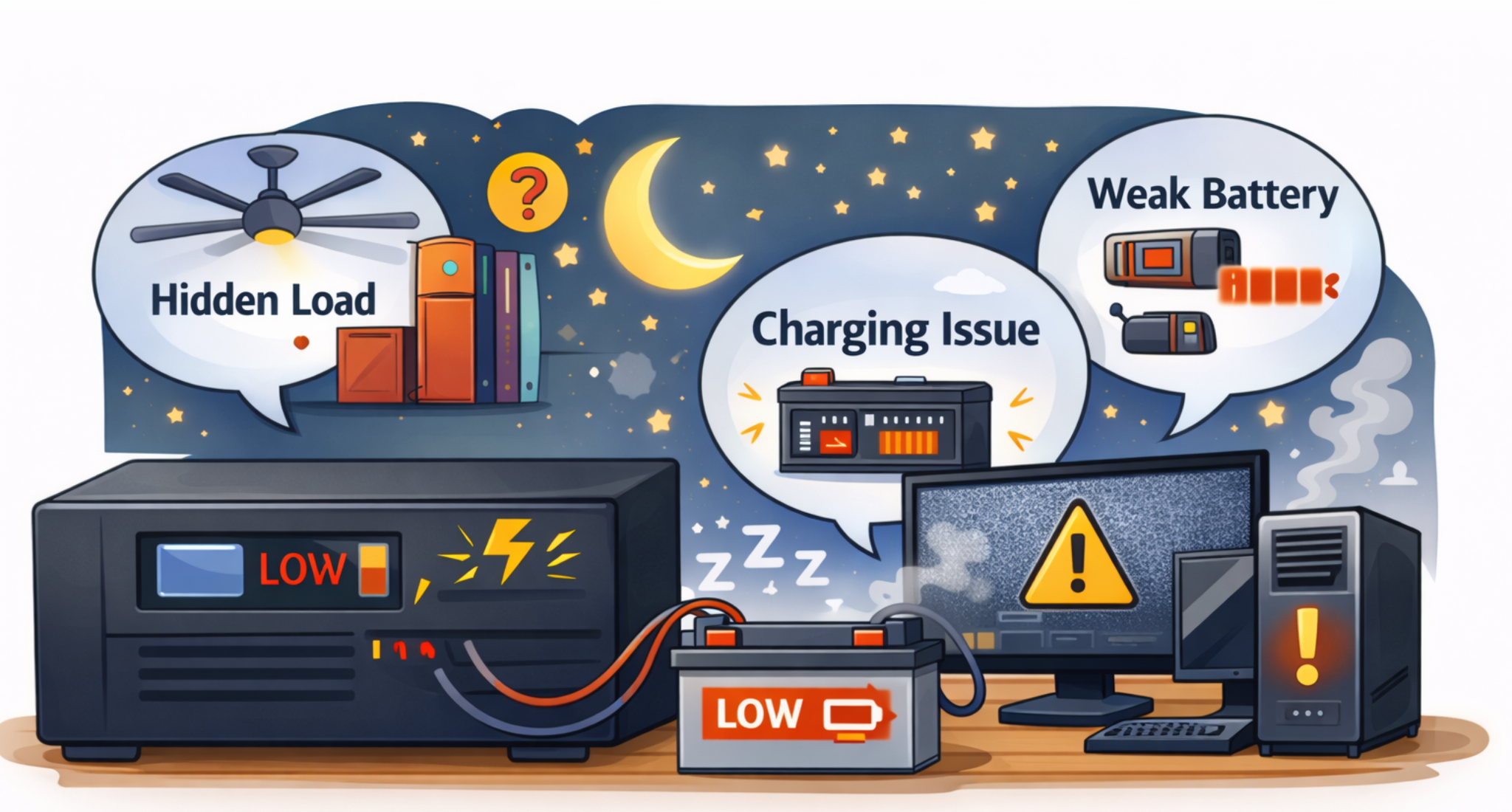
At night, hidden loads drain battery and drop voltage faster:
-
extra lights in hallway/washroom
-
second fan in another room
-
TV box, speakers, chargers left plugged in
-
CCTV DVR system
-
fridge socket accidentally on UPS line
Less load means the UPS output stays more stable.
5. Check wiring mistakes (very common)
During load shedding, walk around and see what stays ON.
If a heavy socket like fridge/kitchen socket is on UPS, that’s a big problem. Overnight, it can destroy backup time and stress the UPS.
When You Should Stop Using Modified Sine Wave for TV/Computer
Take it seriously if you notice:
-
TV keeps restarting on UPS
-
buzzing/humming is strong
-
desktop PC restarts even with good battery
-
adapters/PSU get abnormally hot
-
burning smell or melted plug/extension
These are not “normal UPS issues.” They’re warning signs.
A Simple Safe Setup Many People Follow
In many Pakistani homes, a practical approach is:
-
UPS for fans, lights, Wi-Fi
-
TV only for short load shedding periods
-
Laptop okay, desktop avoid (or use pure sine wave)
-
Turn off sensitive devices when battery gets low
-
Stabilizer only for grid voltage fluctuations (not as a waveform fix)
This setup keeps things working without pushing the UPS and electronics too hard.